You don’t need to manually assign the same hour log or evaluation every week. FieldX lets you automate this using Recurring Tasks.

Using the repeat toggle

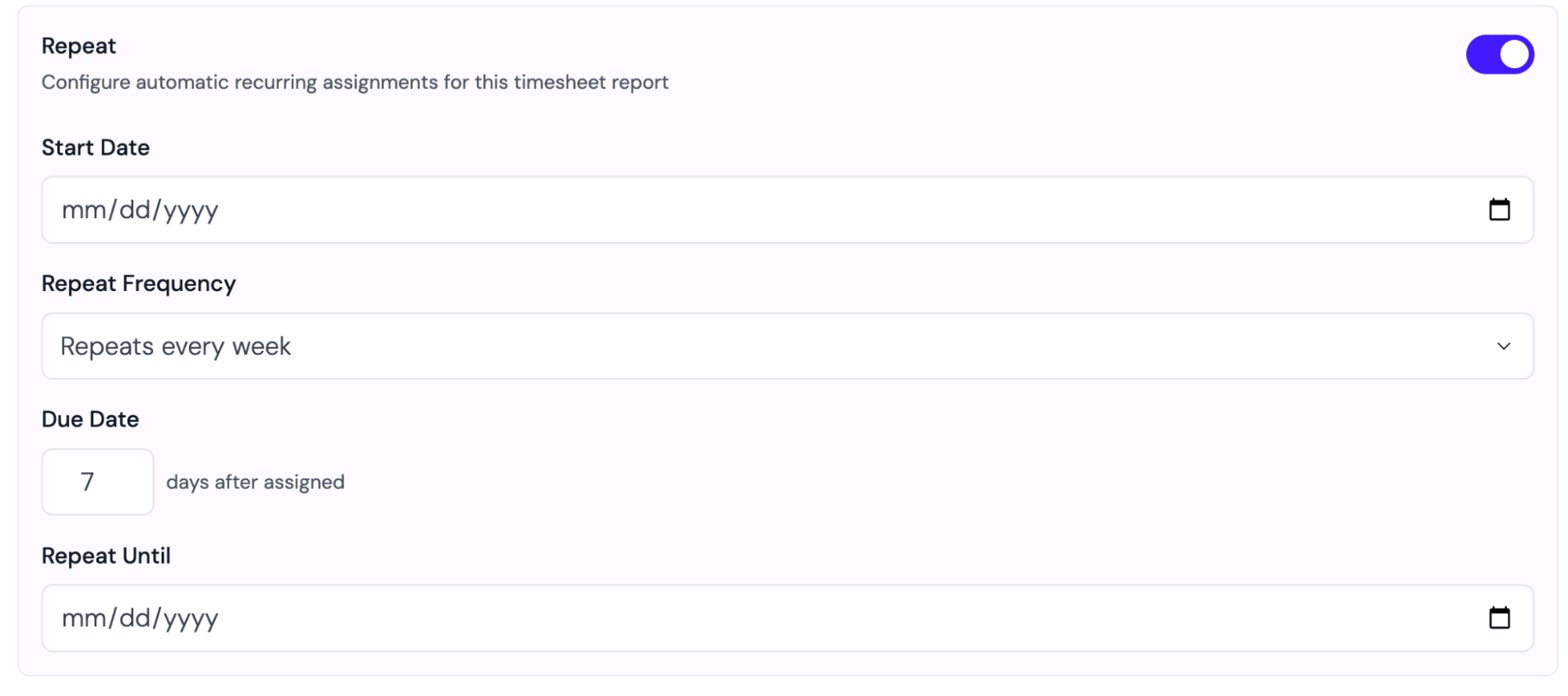
When assigning any form or report, you’ll see a Repeat toggle in the assignment settings. Turning it on lets you define a schedule. Recurring Task Settings
Learn how to create the form and report templates used in recurring tasks at Building forms.

Review the schedule

Check the summary beneath the repeat settings. For timesheet reports, it describes the hours period included in each report. If the start date is in the past, review the listed backdated assignments: these are created immediately for the selected cohort members.

Change or stop a schedule

Open a cohort’s Assignments → Schedules list. Edit the schedule to change future frequency, due-date offset, or end date. The start date becomes locked once the schedule has handed out assignments; stop it and create a new schedule if you need a different starting point. Stopping a schedule prevents future assignments. Already-created assignments remain available.