

Where to find it
From FieldX, click the Meet button to open the Supervision Room. This is your hub for scheduling, recording, and reviewing meetings.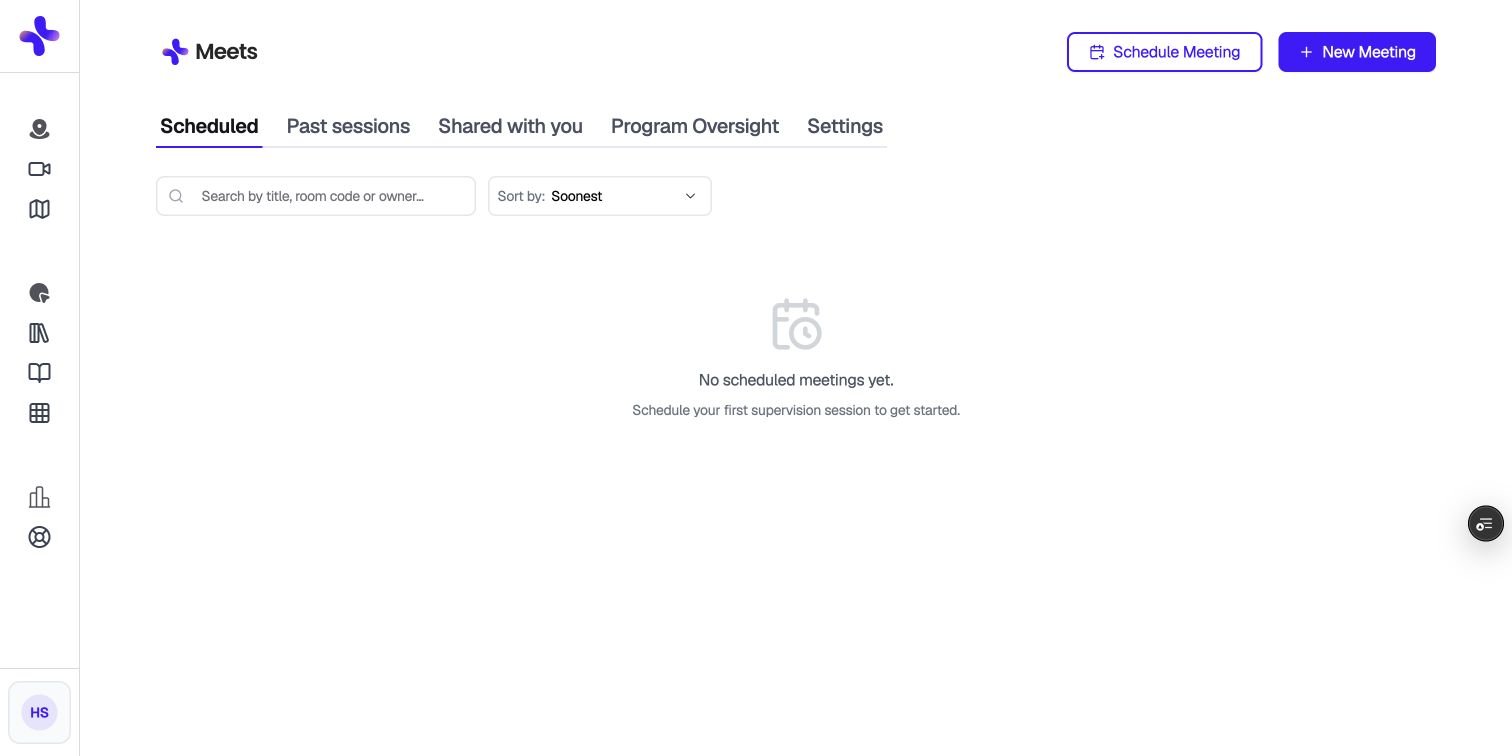
The Meets dashboard. Available tabs depend on your role.
Meet turns on per account. If you don’t see a Meet button, check with your Program Admin. You’ll also be asked to set up two-step verification the first time you open Meet.
The tabs
The Supervision Room is organized into tabs:What you can do with Meet
- Schedule a meeting ahead of time, or start one instantly
- Turn on an AI note taker that transcribes your session once everyone has consented
- Invite participants by link, room code, or email
- Review past sessions, including the transcript and time-stamped comments
- Hide identifying details in transcripts
- Share a recording, add supporting documents, or leave comments
- Upload a session you recorded outside of Meet
- Submit a recorded session for a class assignment