

Inviting others
There are a couple of ways to bring someone into a meeting:- Share the link or room code. Send either one directly to the person you want to join.
- Send an email invite from inside Meet. Add their email, and they’ll get an invite in their inbox with a link to join.
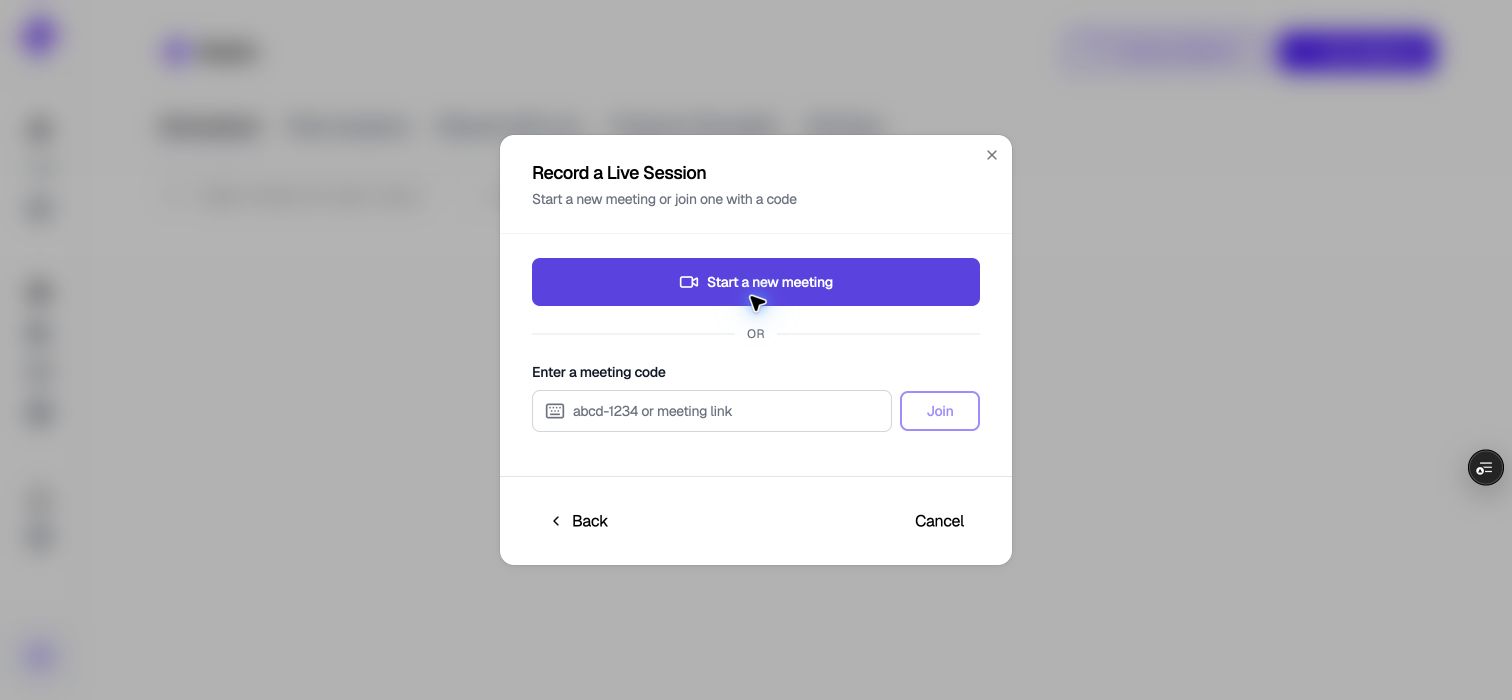
Start a meeting or enter a code to join an existing room.
If you scheduled ahead of time
When you schedule a meeting, you can add participants as part of setting it up. If you created the meeting, you can also add more people or edit the participant list later.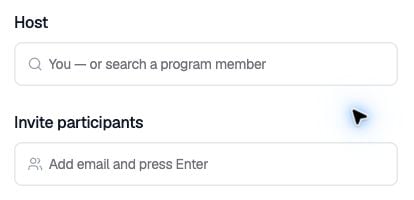
Add participant email addresses in the scheduling form.