

Schedule a meeting for later
Click Schedule Meeting at the top of the Supervision Room. Choose a title, date and time, and a length of 30 to 120 minutes. Add up to 20 people by email. Each invitee gets an email with a calendar invite. Once it’s created, the meeting shows up under the Scheduled tab.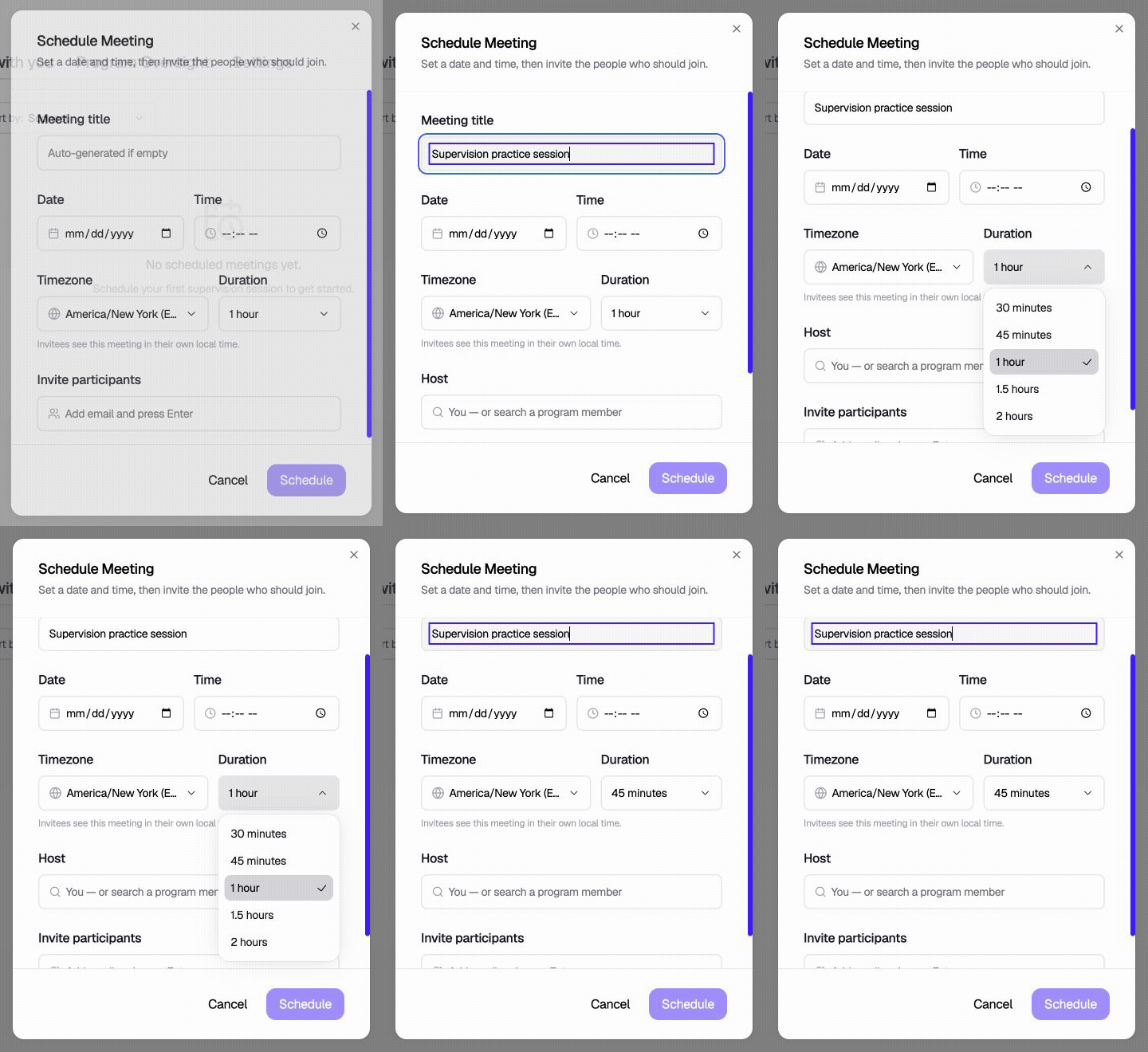
Enter a title and choose a duration. This demonstration stops before scheduling or sending invitations.
View a still image of the scheduling form
View a still image of the scheduling form
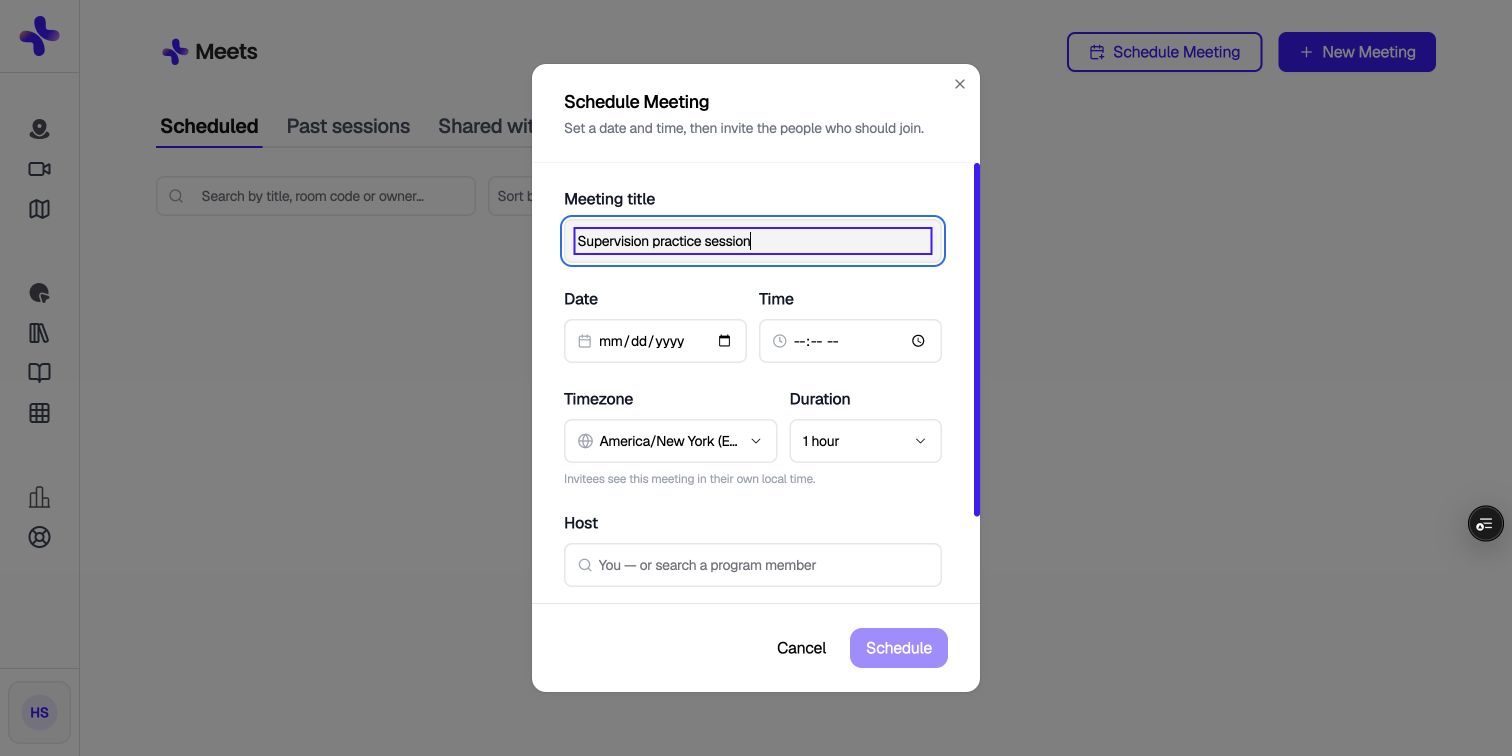
Only the person who created a scheduled meeting can edit its details or add more people to it afterward.
The lobby
If someone arrives before the host, they wait in a lobby. When the host opens the room, everyone waiting is let in automatically.Start a meeting right now
If you don’t need to schedule anything, click New Meeting, choose Record live, then Start a new meeting.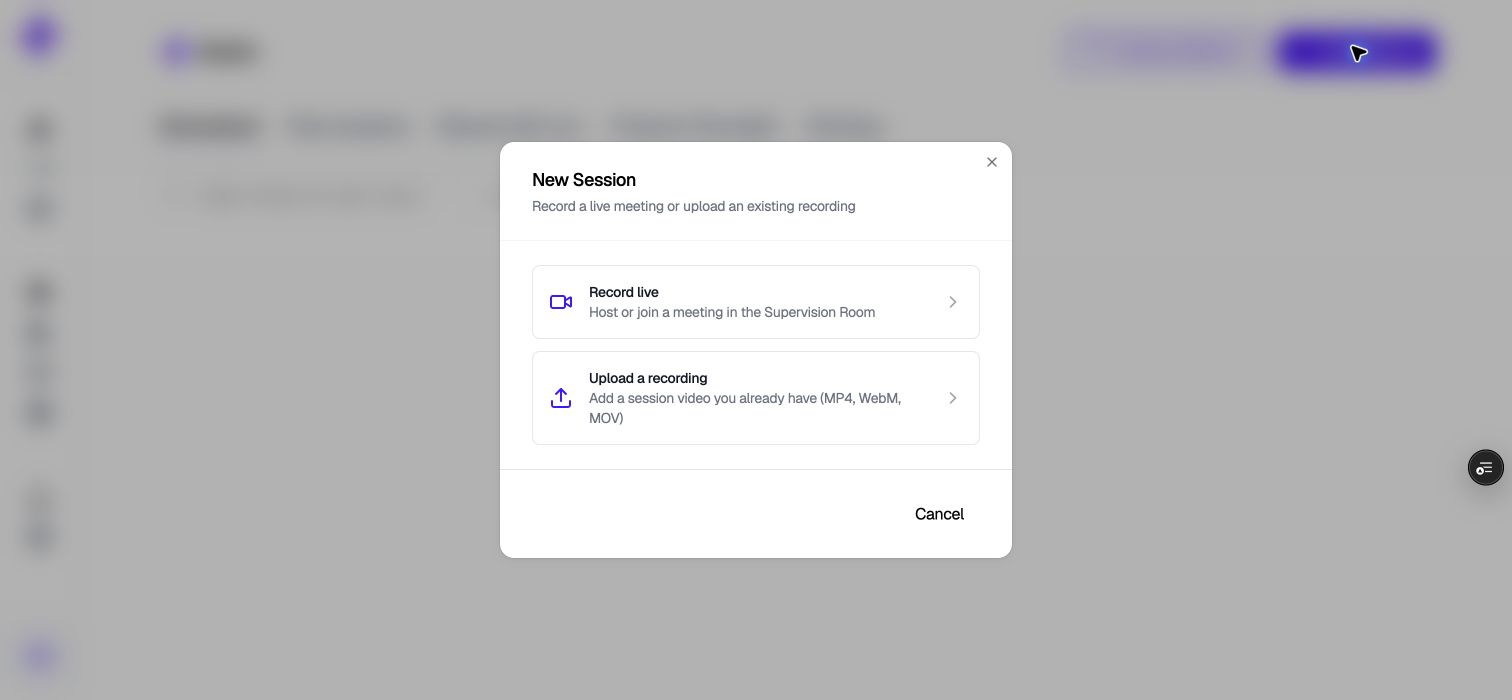
Choose Record live to start or join a meeting, or Upload a recording for an existing video.
Schedule a meeting for someone else
Program admins can schedule a session for a member of their program:- Click Schedule Meeting.
- Pick the person who will host from the Host field.
- Finish the details and schedule it.
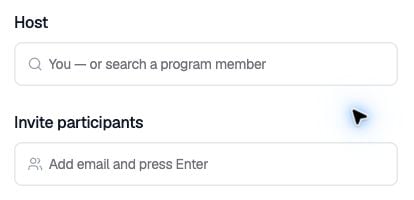
Choose a host and add participants before scheduling.
The Host field only appears if you’re a program admin or a FieldX coordinator.