

Sharing a session
Only the person who owns a session can share it. Enter the email of anyone else on the platform to share it with them. They’ll get a notification, and the session will show up under their Shared with you tab.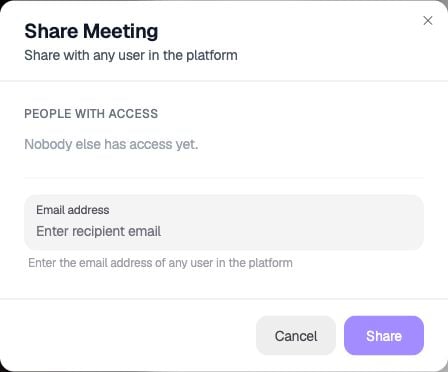
Open Share from the session header and enter the recipient's email address.
Adding documents
You can upload documents onto a session page — for example, reading material that goes along with a recording. This is useful for anything supplemental you want attached to that specific session.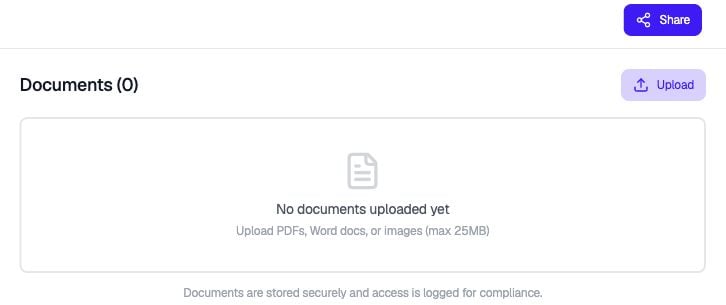
Select Documents, then Upload to attach supporting material.
Leaving comments
Select Comments to leave an overall comment on a session. For comments pinned to a moment in the video, use the Transcript panel described in Reviewing a session.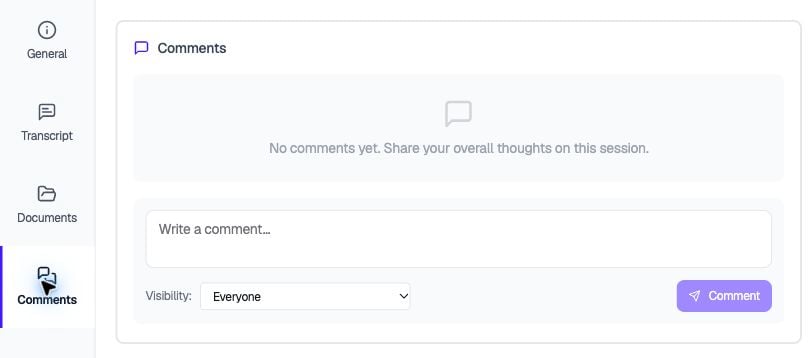
Use Comments for overall observations about the session.