

The past sessions list
Use the search box to find a session by title, room code, or owner. Switch between card and table views using the controls beside the sort menu. Click the title to rename a session you own.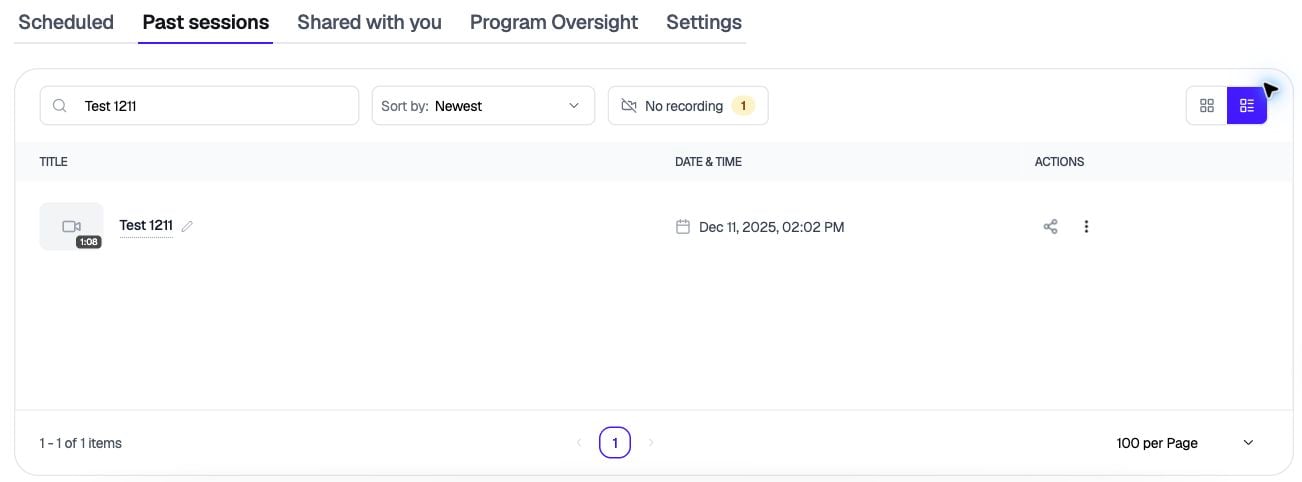
Table view filtered to a test session. Use the three-dot menu under Actions to open Details.
Opening a session
Click the ⋮ menu on a session and choose Details. From there, you can:- Watch the recording
- Rename the session
- Read the live transcript and AI notes, if the note taker was on (owner only)
- Share the session, add documents, and leave comments
- Select Transcript to read the transcript and add time-stamped comments
Transcripts and notes take a little time to generate after a meeting ends. If one isn’t showing up yet, check back in a few minutes.
Generate Feedback is temporarily unavailable while we improve it. The Transcript panel and comments work as usual.