

Open Field Experience
- Expand the left sidebar by moving your pointer over it.
- Find Field Experience under Site Placement and click it.
- FieldX opens the dashboard for your account and program role.
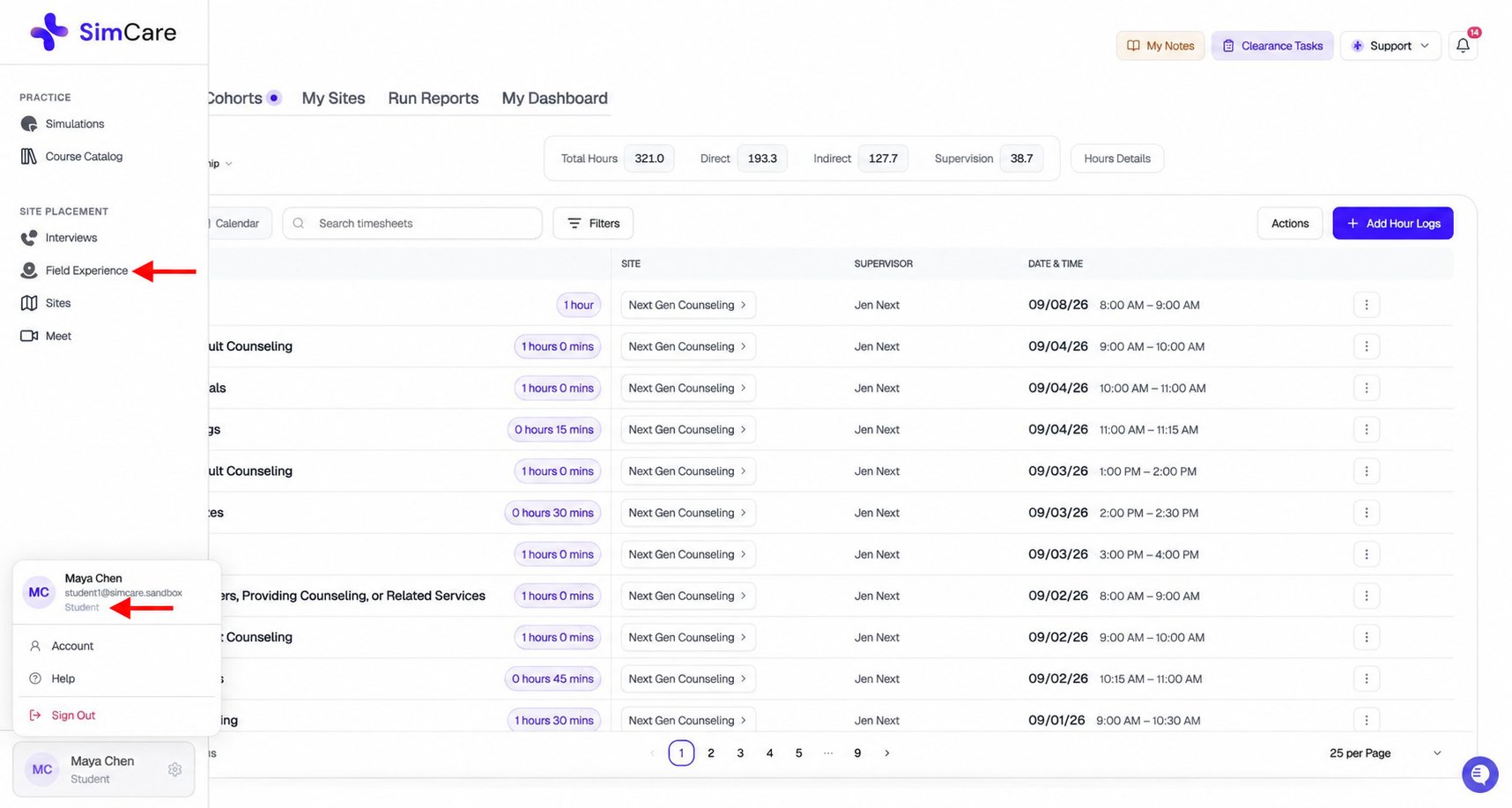
Choose Field Experience in the sidebar. The account menu at the bottom left shows the signed-in user's role.