Where to find it
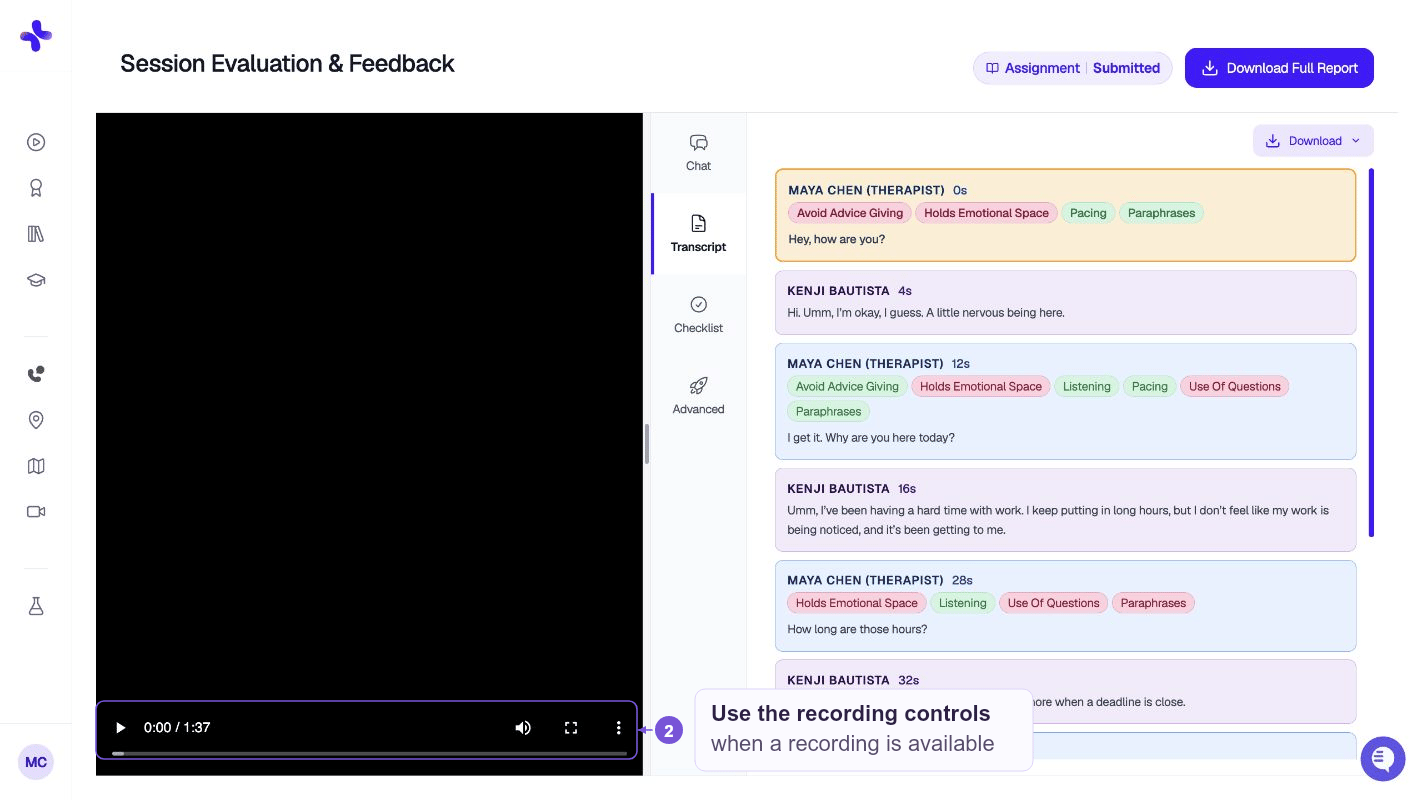
- Desktop: the player sits next to the transcript so you can watch and read at the same time.
- Mobile: the recording lives in its own Recording tab, separate from the Feedback tab.
Synced playback
For most case formats, the annotated transcript is synced to the recording:- Click any line in the transcript to jump the recording to that moment
- The transcript auto-scrolls as the recording plays
- Color-coded highlights from the AI feedback stay visible while you watch
Group cases
Group cases use a dedicated group recording player that shows multiple avatars on screen, with the transcript split out so you can follow each speaker.Controls
The player includes standard controls:- Play / pause
- Seek — drag the timeline to jump
- Volume
- Playback speed (where supported)
- Fullscreen (where supported)
Privacy & retention
Your recording is stored securely with the rest of your session data. It’s visible to you and — for assignment cases — to your instructor or anyone with grading access on the class. Recordings aren’t shared with classmates and aren’t used to train AI models.Downloading
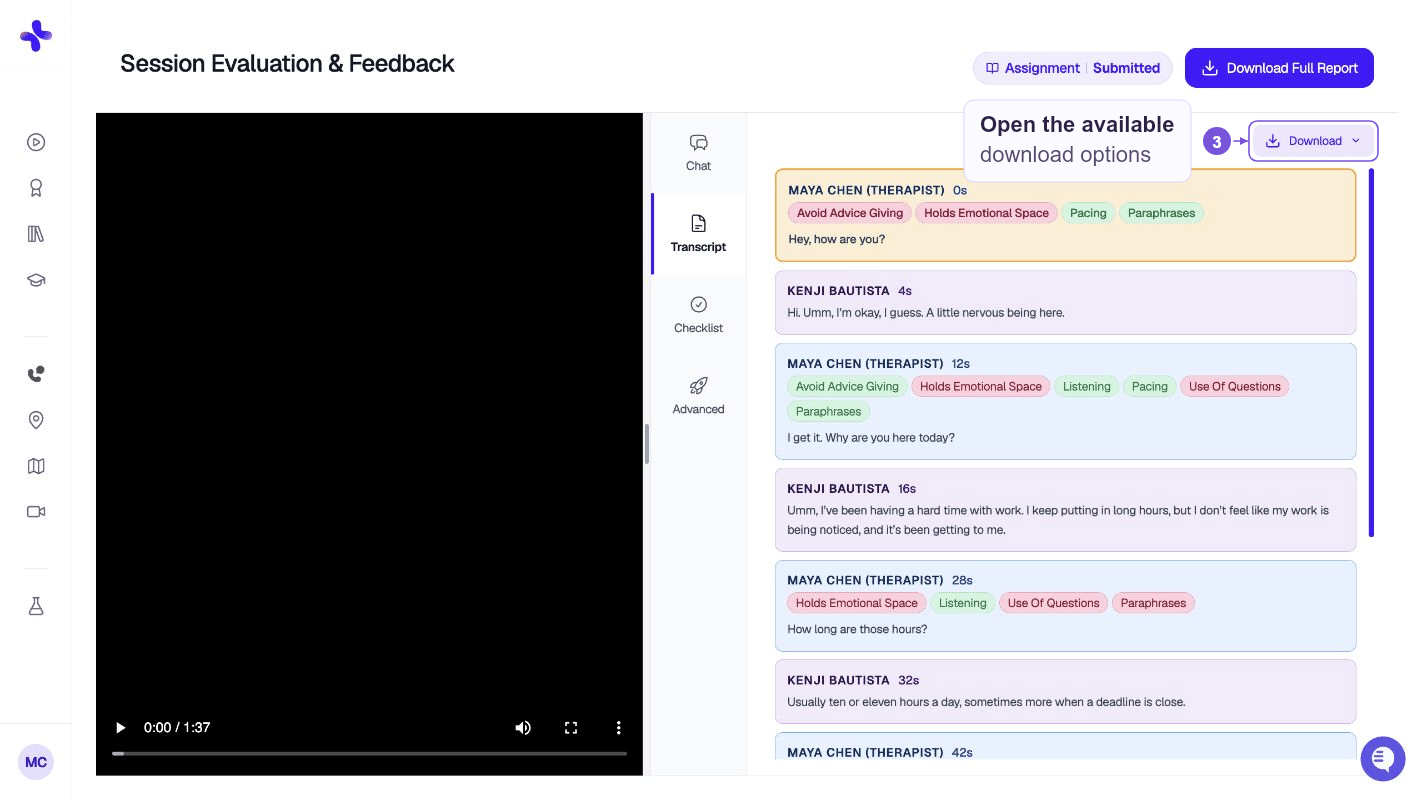
Use the Download Full Report button at the top of the Case Review to export a PDF that includes the transcript and feedback. In Annotated Transcript, open the Download menu in Video & Transcript. Where available, the menu offers Download Transcript and Download Video.