

I can’t hear the client
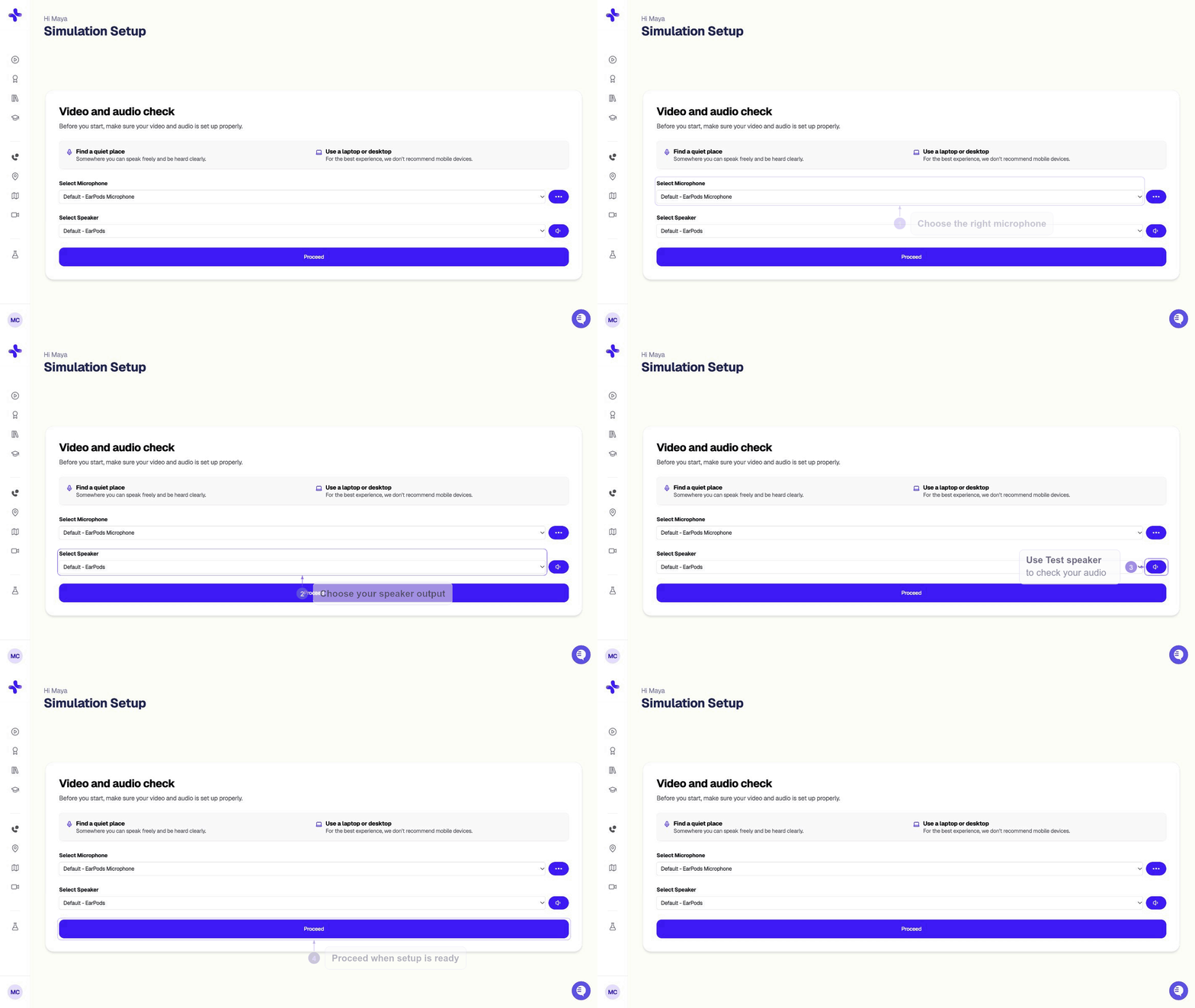
- Make sure your speakers or headphones are working
- Check that your browser tab isn’t muted
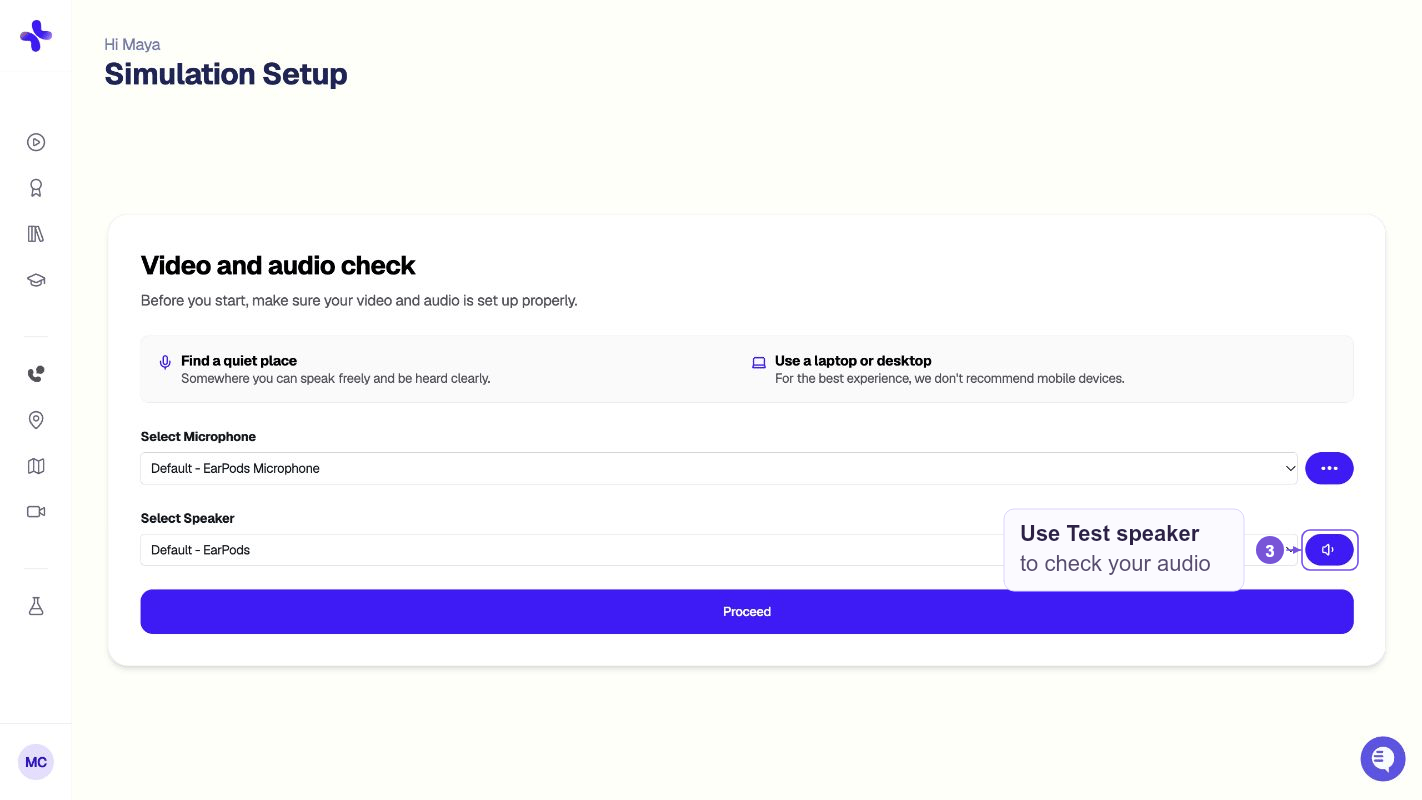
- Try going back to the Simulations page, click on the client again, and double-check your audio settings on the setup screen. Click “Test Speaker” on this page and ensure you hear a sound.
The client can’t hear me
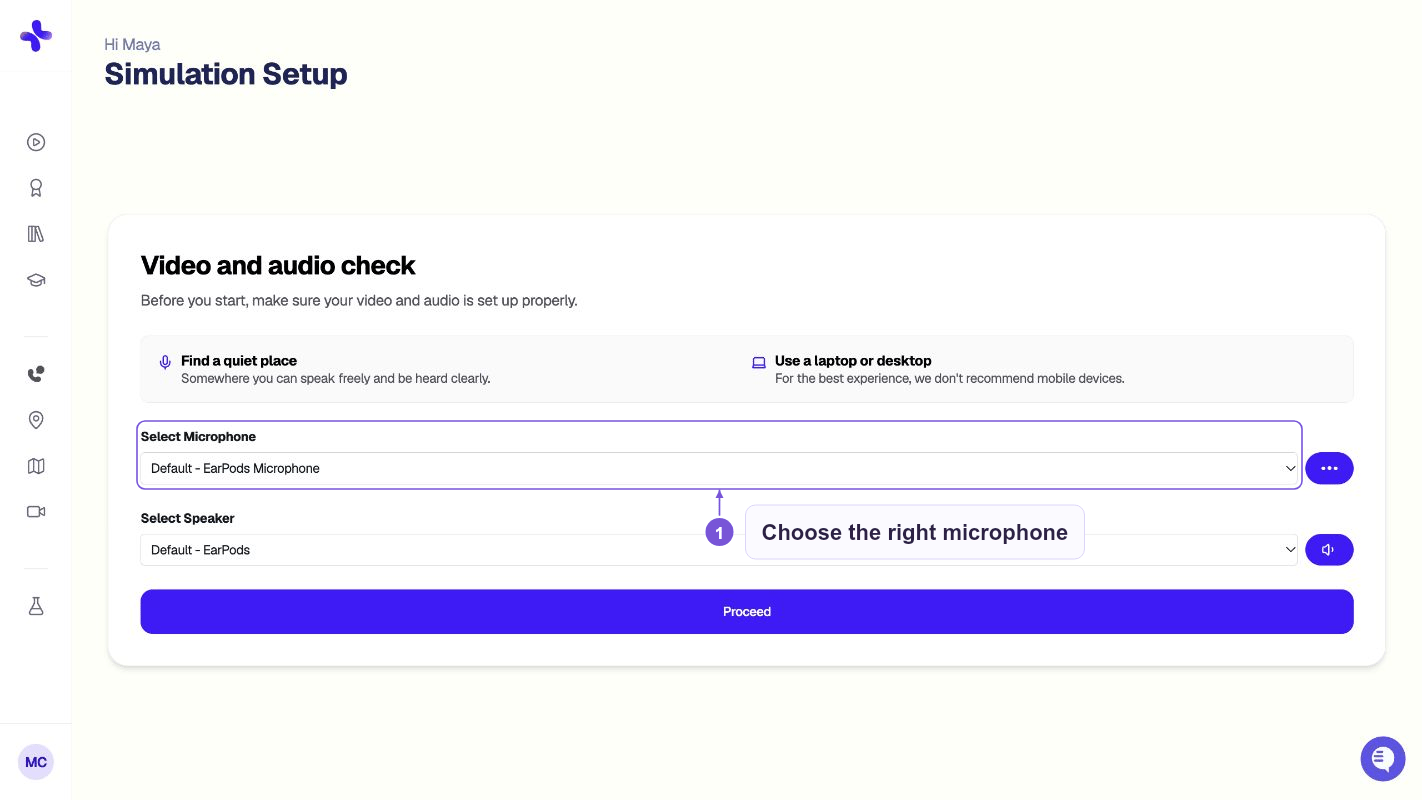
First, ensure you have unmuted yourself. Look for the microphone icon on the screen. After fixing permissions, go back to the Simulations page, click the client again, and double-check your mic settings on the setup screen.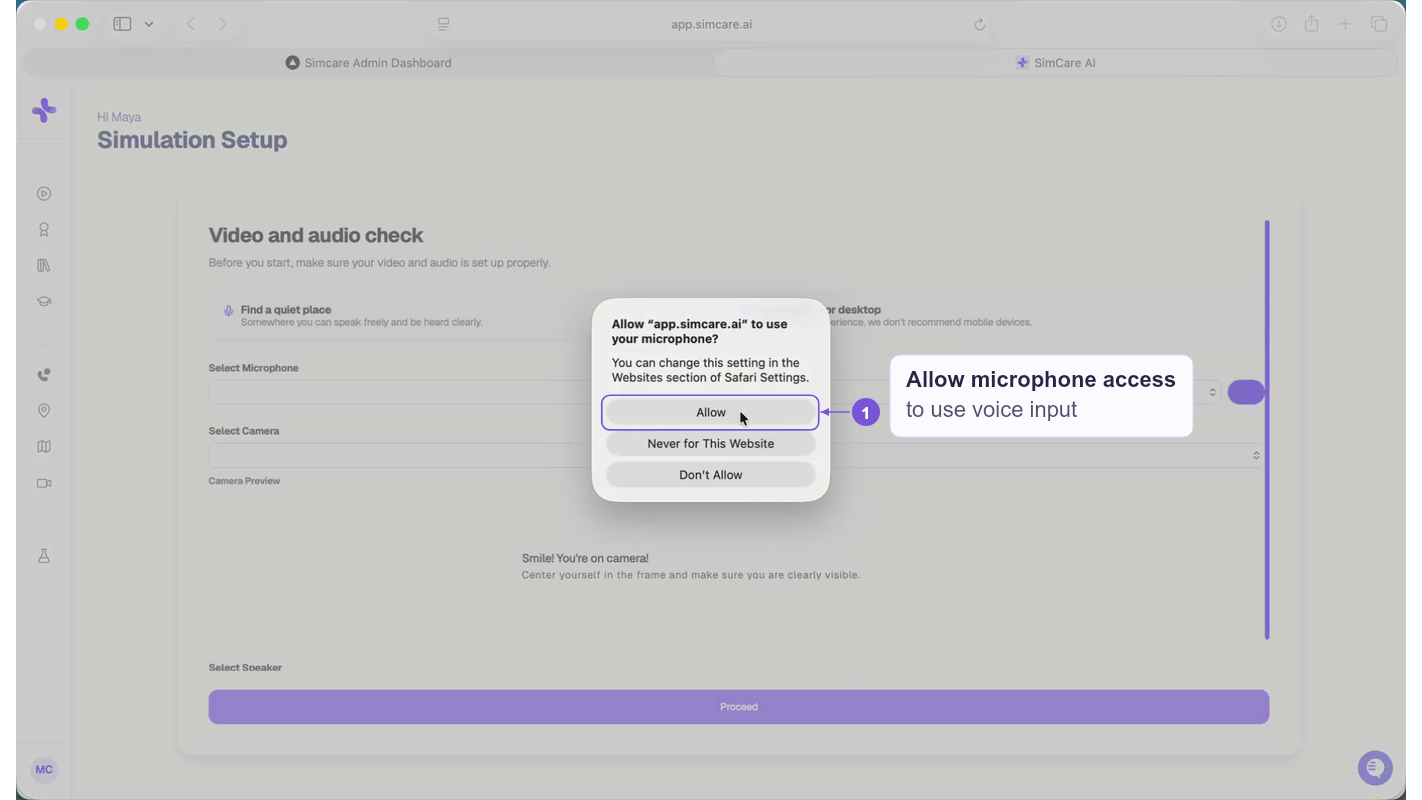
Nothing’s loading / page is blank
- Use Chrome or Microsoft Edge.
- ❌ Safari and mobile browsers aren’t supported yet.
- Try clearing your cache or using an Incognito/Private window.
I can’t log in
- Double-check your school email for typos.
- If using SSO (Google/Microsoft), confirm you’re logged into the correct account in your browser.
- Use the “Forgot Password” link if needed. You’ll get an email to help reset your password. Remember to check your spam folder!
Still stuck?
We are here to help.- Email us: hello@simcare.ai
- Daily office hours: Join from 11am–12pm ET at: https://meet.google.com/zpm-dwoh-rbd