

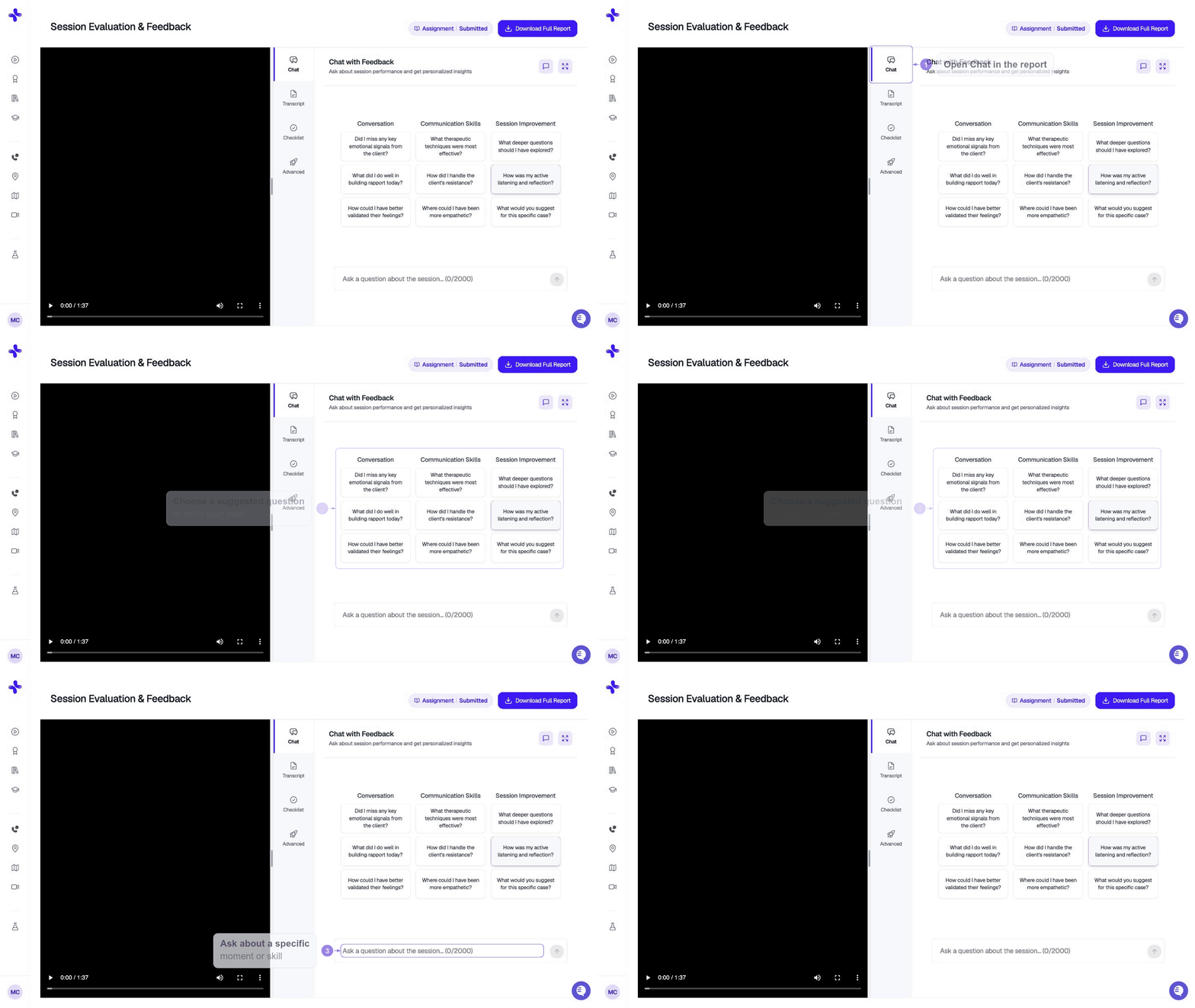
What you can ask
Anything related to your session, the AI’s feedback, or the underlying skills. For example:- “Why did you flag my question on line 14 as closed-ended?”
- “What’s a better way I could have responded when the client mentioned their sister?”
- “Show me three alternative open-ended questions for the moment I asked about their job.”
- “Walk me through how to use motivational interviewing in this scenario.”
- “I disagree with the empathy score — can you justify it?”
How it works
The chat streams responses in real time, similar to ChatGPT. Each new question builds on the previous answers within the same conversation, so you can keep digging without re-explaining context. Your conversation is saved with your case — return to it any time from your Case Review.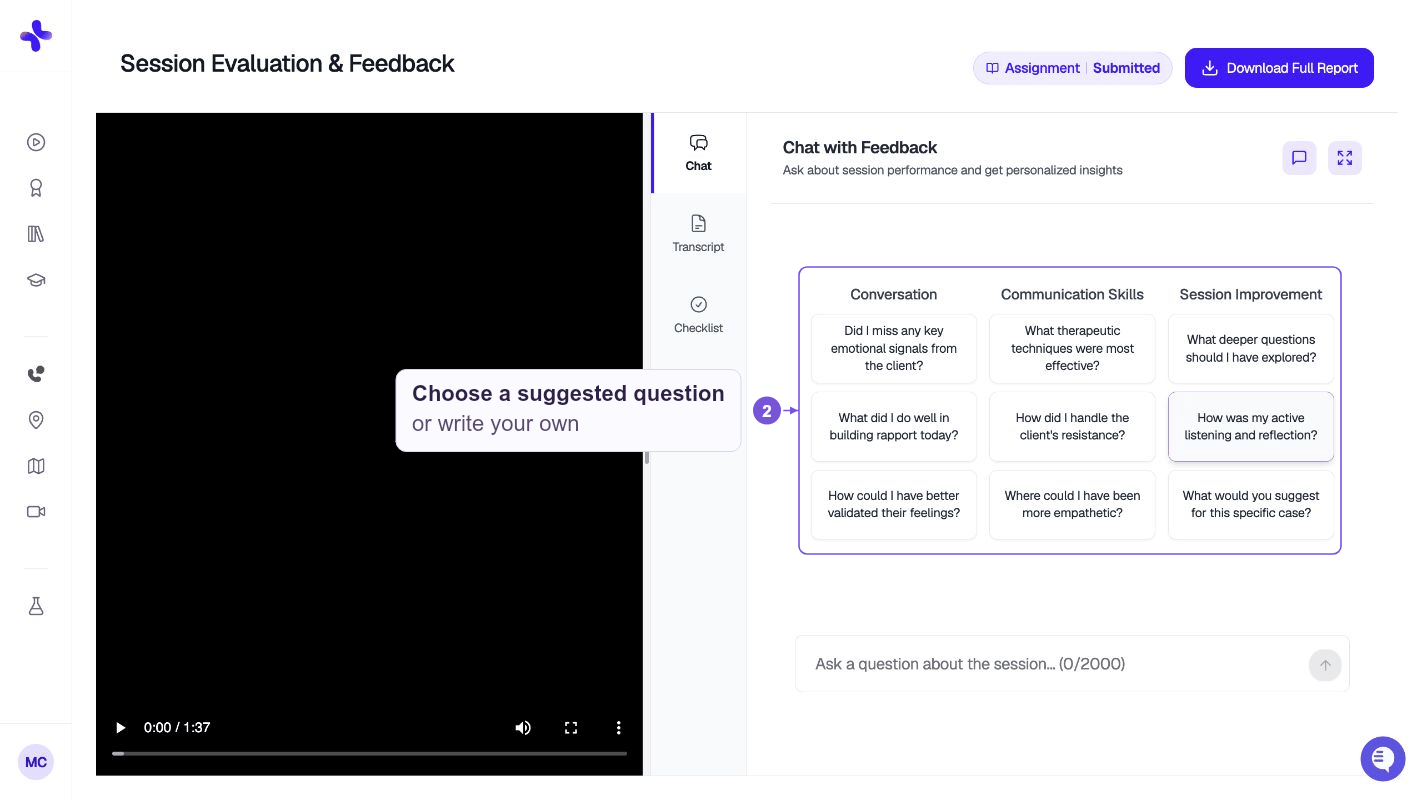
Tips for getting useful answers
- Be specific. “Help me with empathy” is vague — “How could I have shown more empathy when the client described losing their job?” is much better.
- Reference moments. Mention what the client said or what you said so the AI can pinpoint the moment in your transcript.
- Ask for alternatives. Instead of just “what did I do wrong?”, try “give me three different ways I could have responded.”
- Push back if it’s off. If an answer feels generic, tell the AI and ask for something more grounded in your actual session.