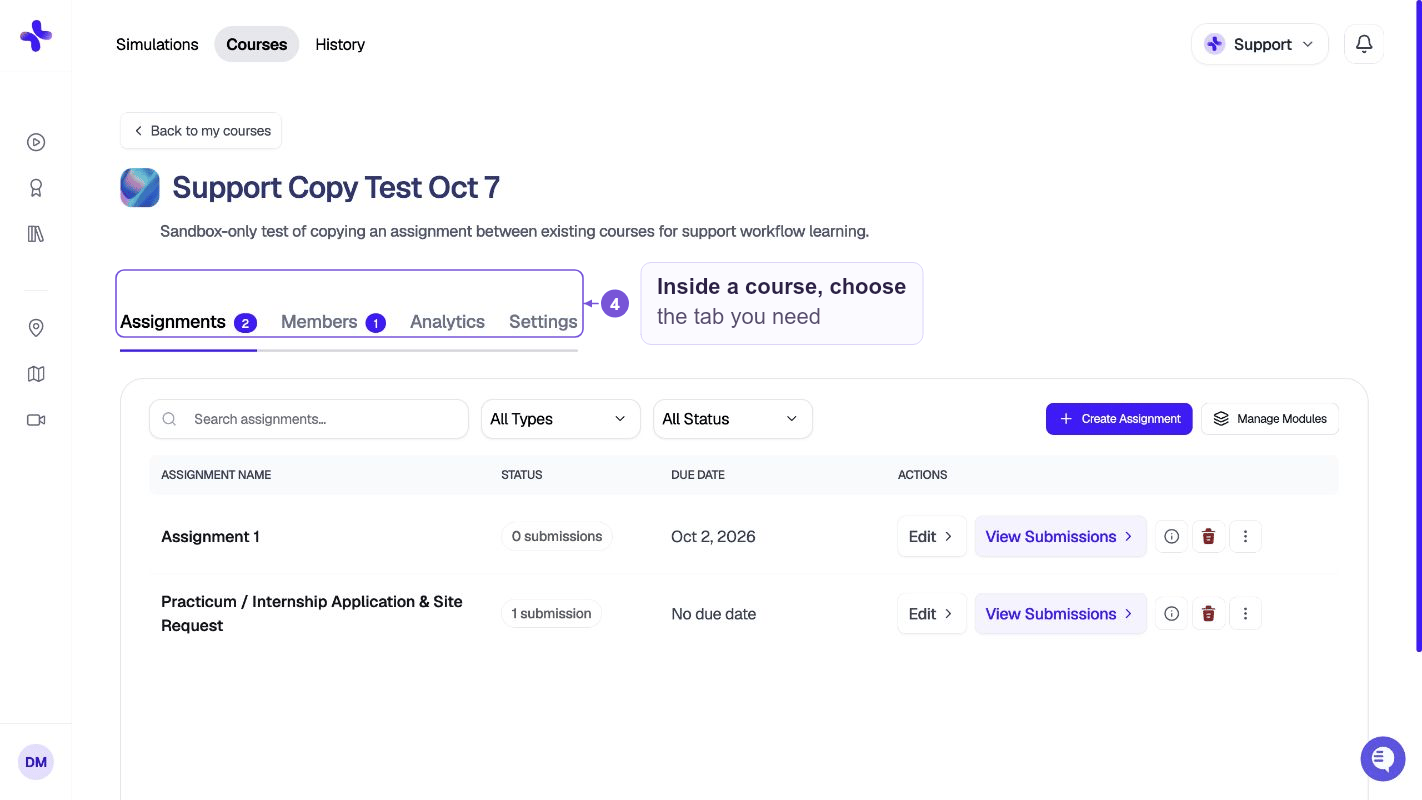
Opening Courses
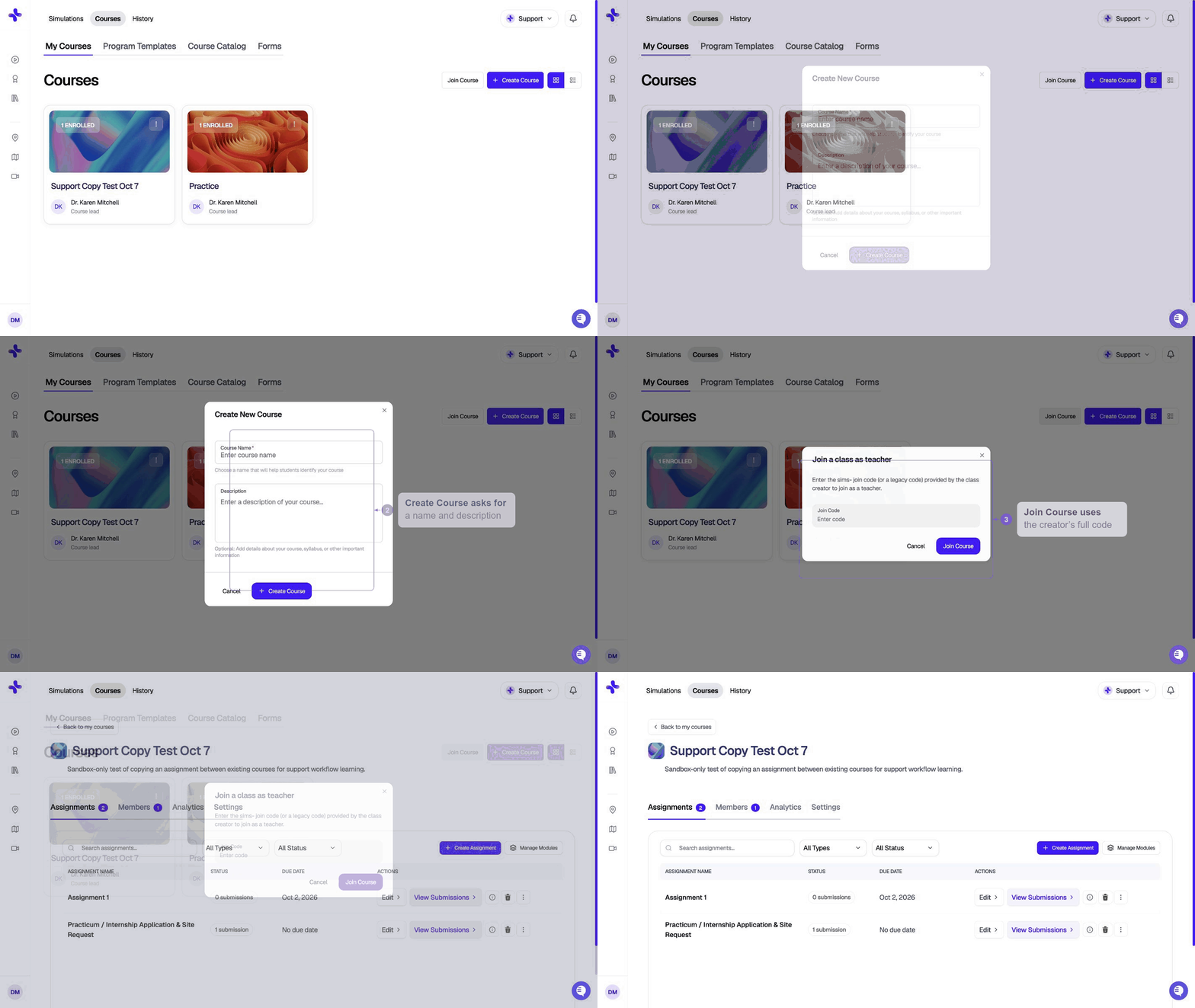
1
Sign in
Sign in to SimCare with the instructor account your program gave you.
2
Click Courses in the top navigation
In the header, click Courses. On a narrow screen, open Menu first. Instructors land on 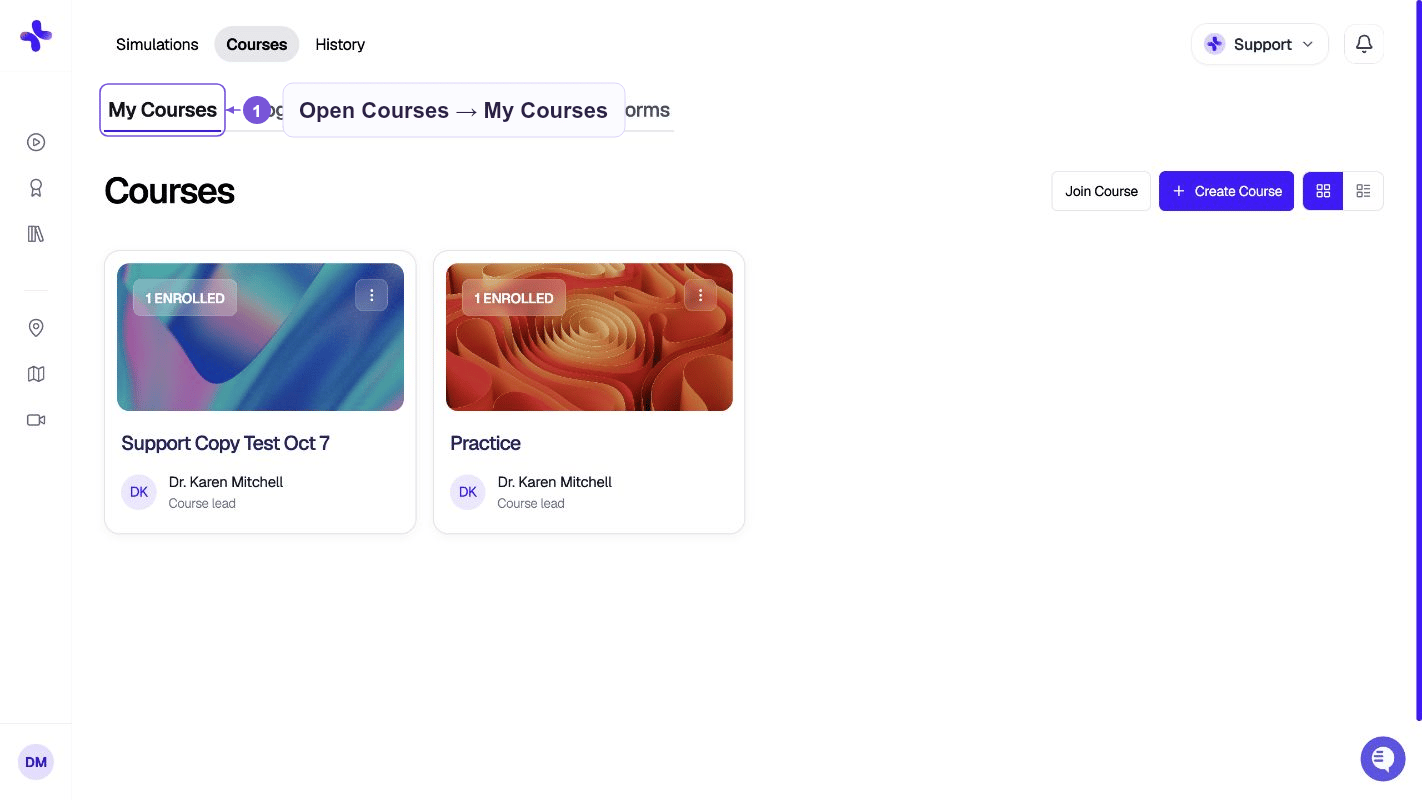
/classes. SimCare opens the My Courses tab automatically (/classes?tab=courses).Students click the same Courses item and go to My Learning instead. These pages are for faculty and program admins.
Who can do what
The tabs
Across the top of the page you’ll see a row of tabs. Click any tab to switch — the URL updates so you can bookmark or share a specific view.
To find an AI client, open Simulations → Match Me to a Client. See Find Clients with AI.