

Quick fixes
- Make sure your speakers or headphones are connected and working
- Check that your browser tab isn’t muted (look for a speaker icon on the tab)
- On your computer, confirm the system volume is turned up
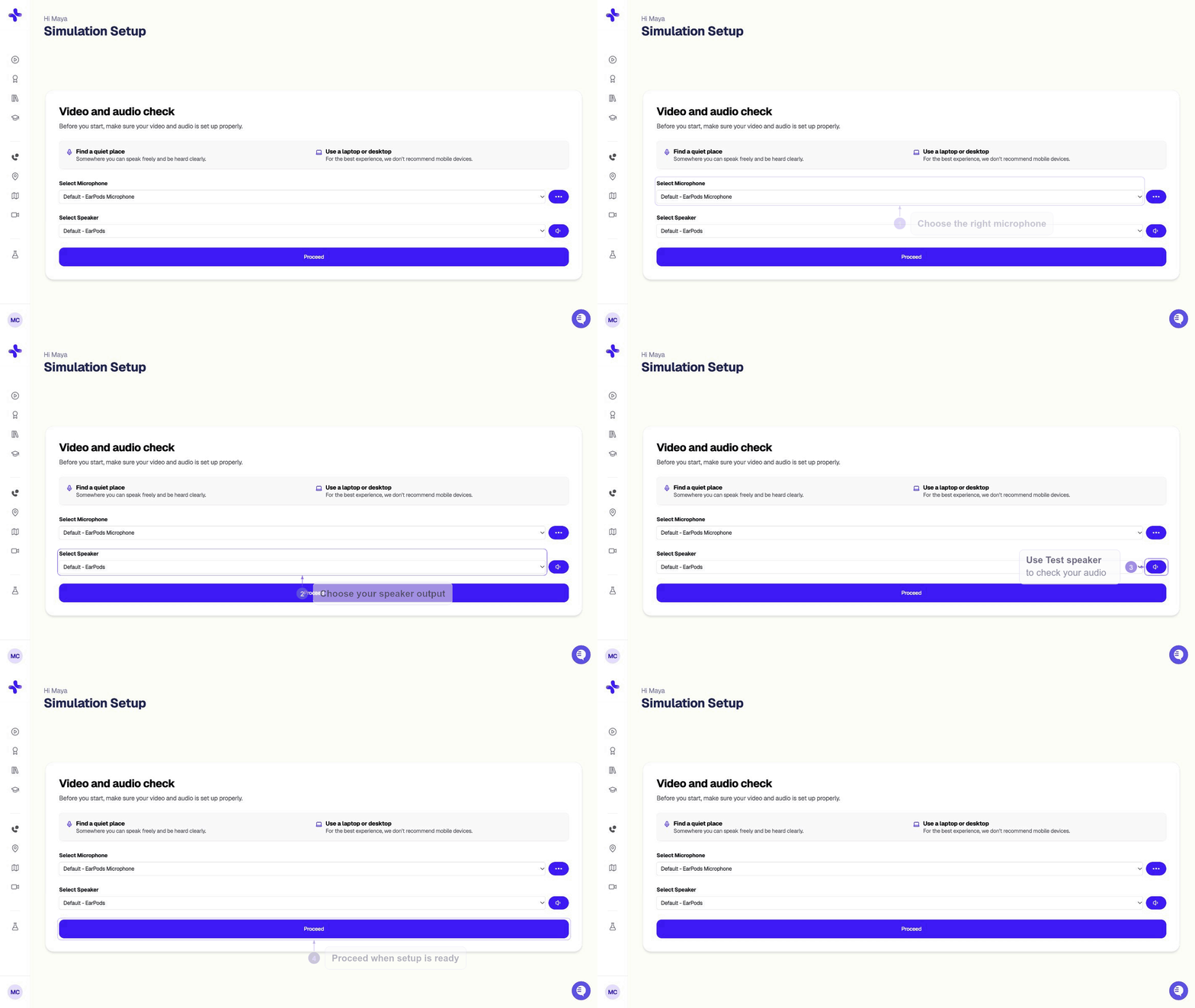
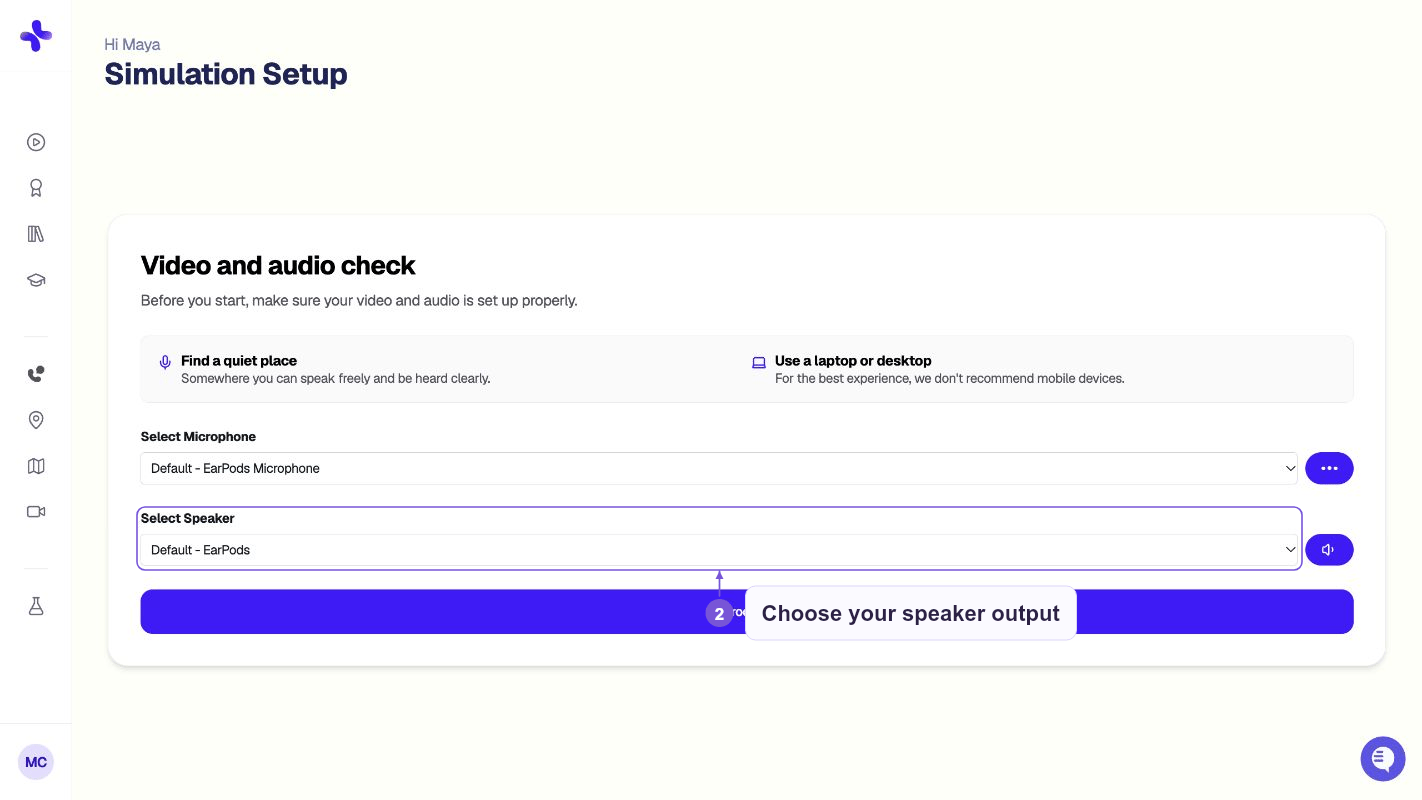
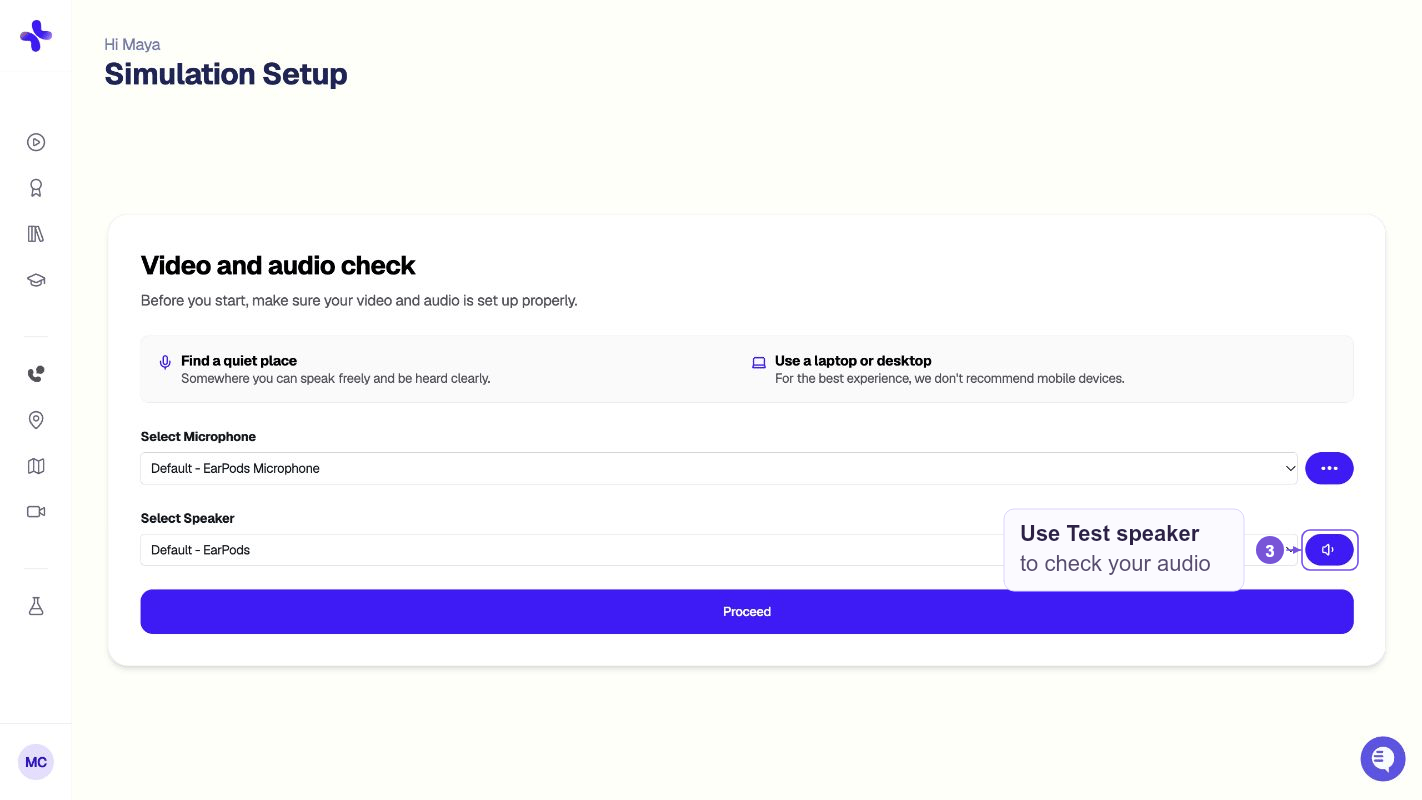
Test your audio on the setup screen
If none of that works
Refresh the page. Most audio glitches are resolved by a simple page reload. If the problem persists after refreshing:- Try closing and reopening your browser
- Use Chrome or Microsoft Edge (Safari and mobile browsers are not supported)
- Try an Incognito/Private window to rule out extension conflicts
Still stuck?
- Email: hello@simcare.ai
- Daily office hours: Join from 11am–12pm ET at: https://meet.google.com/zpm-dwoh-rbd